


 GTA 6 guides
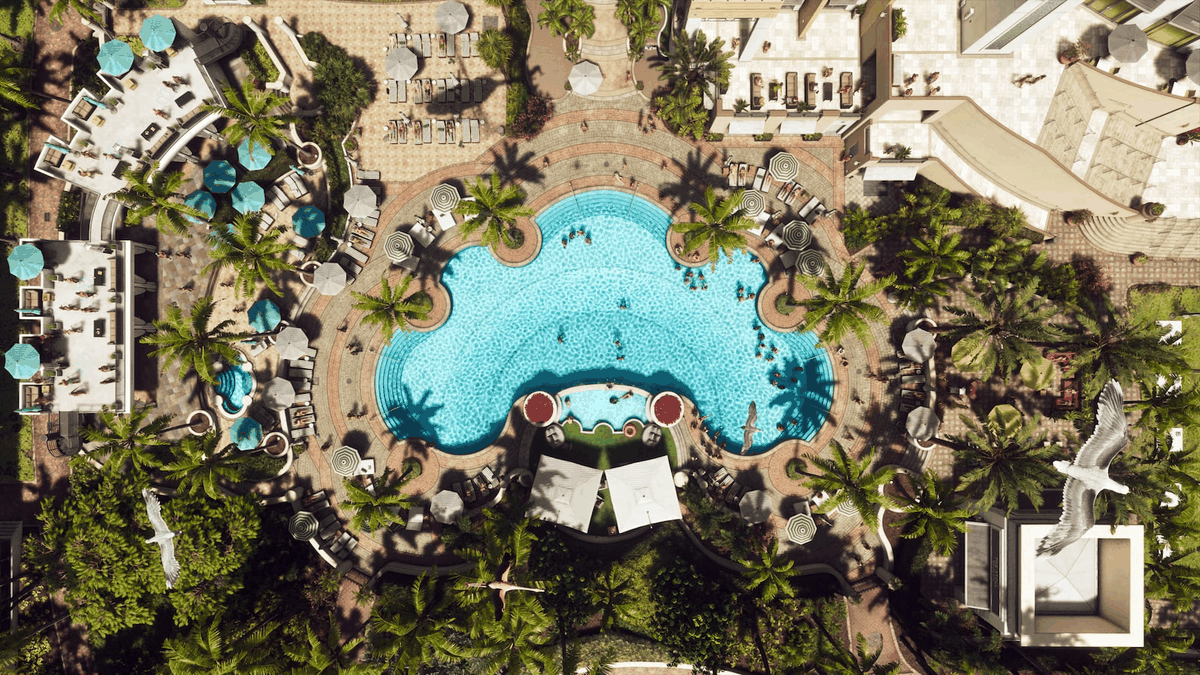
© Rockstar Games. GTA VI.
Updated: November 26, 2026.
GTA 6 ships with a full photo mode called Photo Studio, and it is not hiding on the phone: it is a tab in the pause menu, available from the moment you take control of Lucia in the prologue. It freezes the action while you frame, light and filter the shot. One limitation matters before anything else: Photo Studio cannot change the time of day or the weather, so whatever Leonida looked like when you paused is what you photograph. Selfies live separately on the in-game phone's Camera app, which handles poses, expressions, flash and the one collectible that needs a camera. None of the game's 55 trophies involves photography.
How to open Photo Studio
Press Options on PS5 or Menu on Xbox Series X|S to pause, move to the Photo Studio tab (it sits between Help and Settings), or press Square or X as a shortcut from the pause screen. The mode works from the prologue onward, with no story progress or unlock required, and it is separate from the phone camera rather than a part of it.
Two practical rules shape every good session. The camera cannot travel far from your character, so position Jason or Lucia where the shot needs them before you pause, and expect some options to show as unavailable during cutscenes. Over a weekend of free roam I learned both the hard way, unpause-shuffling a metre at a time for a Vice Beach hotel shot that the tether would have allowed from the start.
What the five tabs do
A full menu breakdown groups the tools into five tabs:
- Camera: framing, zoom and depth of field, with the action frozen while you work.
- Effects: filters and colour grading.
- Lighting: light placement for portraits, night shots and interiors.
- Vehicle: camera behaviour around your car or bike.
- Overlays: stamps, borders and frames applied before the shot is saved.
Depth of field and lighting are the two that change a shot most. Since the clock and weather stay as they were, set up the conditions you want first, then pause and frame.
Selfies: the phone camera
Selfies do not exist inside Photo Studio. They come from the phone: press Up on the D-pad, open the Camera app, then click R3 to flip to the selfie camera and R2 to shoot. Launch guides count up to six poses and seven expressions, plus a flash toggle for dark environments. If Jason and Lucia are together, you can adjust both of them before the shot; alone, only the character you control can pose.
The rear camera carries its own feature set: zoom, framing guides and a filter list reported at 17 filters across camera coverage. When your partner texts you, a Share a Selfie reply option opens the front camera automatically and drops the photo into the chat.
Where photos save, and what Snapmatic does
Photo Studio shots save to your console's capture gallery, so they travel with the PS5 or Xbox screenshot system. Phone photos and selfies stay in the in-game Gallery app, which has no export option: if you want a selfie outside the game, take a console screenshot of it. Snapmatic returns as a read-only feed, documented in the save-and-social breakdown: you can like posts, read comments and mark a post's location on your map, but you cannot publish your own posts from either camera.
The camera collectibles actually want
One genuine gameplay use exists, and it belongs to the phone, not Photo Studio. The five 1010 murals around Vice City are collected by photographing them with the phone's Camera app while standing on a painted mark, and a WAiNK scan does not count. Finishing all five leads to a custom-painted '95 Grotti Cheetah behind a keypad door, which makes the phone camera one of the few in-game gadgets with a car attached to it. The murals, their spots and the reward route are covered in the murals and flamingos guide.
Use Photo Studio when you want a posed, lit, filtered photo of the world you are standing in. Use the phone camera when a collection, a chat reply or a mural demands a photo. Neither tool covers the other's job, and mixing them up is the one mistake that costs real time.
What photo mode does not do
Players coming from GTA 5 ask about a Snapmatic upload button, time-of-day control or video capture. The launch version delivers none of that: no publishing to the feed, no clock or weather editing, no video, and no trophy. The 55-trophy list contains nothing photo-related, so screenshots are purely for you.
The fair reply is that stills are the whole scope, and they are done well: five tabs of tools from the prologue, no unlock grind, and shots that land directly in the console's capture gallery instead of depending on screenshot timing.
Want your own gallery of the big secrets? Photo Studio is the tool for the tower egg, the portal site and every one-time cutscene.
If your shots look flat or washed out, the cause is usually the display, not the camera, and the best settings guide covers that.
FAQ
How do you open photo mode in GTA 6?
Open the pause menu and select the Photo Studio tab, or press Square on PS5 or X on Xbox from the pause screen. It is available from the prologue, with no story progress required.
Can you take selfies in GTA 6?
Yes, on the phone camera: press Up on the D-pad, open Camera, click R3 for the selfie view and R2 to shoot, with up to six poses and seven expressions. Selfies are not part of Photo Studio.
Can photo mode change the time of day in GTA 6?
No. Photo Studio locks the time of day and weather to whatever they were when you paused. Set up the scene in the open world first, then pause and frame it.
Are there photo trophies in GTA 6?
No. None of the 55 trophies or achievements involves taking photos. The murals photographed with the phone camera unlock a car, but no trophy comes with them.
Where do photos save in GTA 6?
Photo Studio shots save to the console's capture gallery, while phone photos and selfies stay in the in-game Gallery app. The Gallery has no export, so screenshot with the console to keep a phone photo.