


 GTA 6 guides
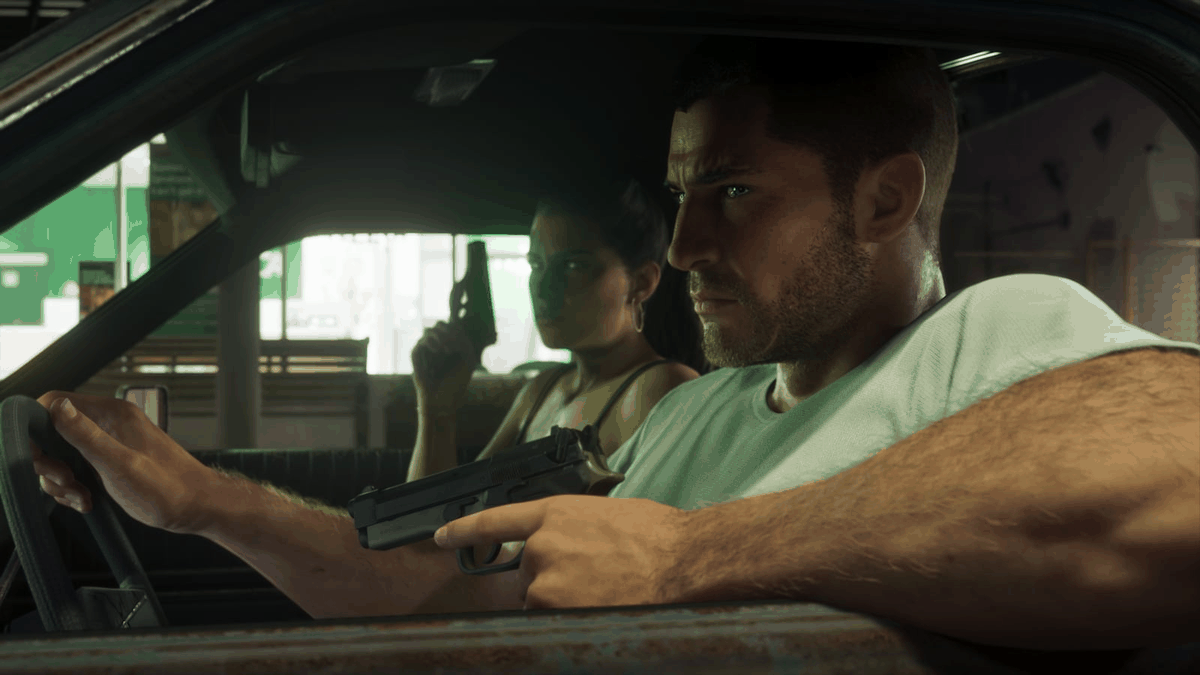
© Rockstar Games. GTA VI.
Updated: November 26, 2026.
There are no keyboard shortcuts in GTA 6. Rockstar shipped the game on PS5 and Xbox Series X|S on November 19, 2026, with no PC version announced, so every shortcut is a controller button combination. The four that matter day to day: tap Up on the D-pad to bring out the phone, hold L1 or LB to open the weapon wheel, hold Right on the D-pad and press R1/RB to switch between Jason and Lucia, and click both sticks while aiming to trigger Focus. Rockstar documents where the layouts are configured on its settings support page, while the combos themselves come from guide captures of the in-game control screens.
What counts as a shortcut in a console-only game
Rockstar has not published an official button chart for GTA 6. The combos on this page are guide-documented: they were pulled from the control scheme screens inside the Settings menu and cross-checked between published guides, with community threads confirming how the inputs feel in practice. Treat anything you read about "PC key bindings" for this game as fiction until Rockstar actually announces a computer version, which it has not done; the PC status page tracks what has and has not been said.
The combos at a glance
| Action | PS5 | Xbox |
|---|---|---|
| Bring out the phone | tap Up | tap Up |
| WAiNK scanner | hold Up, then hold R1 at a target | hold Up, then hold RB |
| Weapon wheel | hold L1 | hold LB |
| Wheel tab (weapons or items) | tap R1 | tap RB |
| Switch character | hold Right, press R1 | hold Right, press RB |
| Sprint | click L3 | click LS |
| Combat Focus | aim, then press L3 + R3 | aim, then press LS + RS |
| Look behind | hold R3 | hold RS |
| Handbrake | X | A |
| Auto Drive | hold Down + Options, then hold Circle | hold Down + Menu, then hold B |
The phone: tap Up for apps, hold Up for WAiNK
One D-pad input hides two tools. A tap of Up opens the phone, where the home screen holds your contacts, camera and apps. A held Up instead opens the WAiNK scanner, and holding R1/RB at a car reads its security gear, tracker and price before you risk stealing it. Guide walkthroughs date WAiNK to the Chapter 1 mission Unwanted Attention, when Cal helps set up Jason's phone, so do not expect it in the prologue.
Two quirks decide when to use it. The phone does not pause the game; traffic, enemies and police keep moving while you scroll, so check messages somewhere safe. And there is no number pad this time: Contacts is the only way to place a call, so no emergency-services pranks. Once the story ends, the published cheat codes are typed on this same phone and they block saving and trophy progress for the session; the cheat codes page lists all 61 codes.
Weapon wheel: hold L1, flip tabs with R1
Tap L1 or LB to draw or holster your equipped weapon; hold it to open the wheel. The wheel is a single radial menu this time, split into a Weapons tab and an Items tab, and R1/RB flips between them while the wheel is open. The Items tab carries armor, healing items and wearables like masks, hats and bags, which makes mid-fight wardrobe changes a real tactic.
The loadout itself shrank. Jason and Lucia each carry a documented cap of two handguns and two long guns rather than GTA 5's carry-everything arsenal, so cycling the small wheel beats digging through menus while cops push your cover.
Switch characters: hold Right, press R1
Character switching is officially called Partner Freeroam and it stays locked through the Prologue and all of Chapter 1. It opens in Chapter 2, right after the Breakfast Run mission, during the short Coffee Break step at the Starlet Motel: buy Lucia a coffee, pick your first outing, and the tutorial pops when you drive off. From then on, hold Right on the D-pad and press R1 on PS5 or RB on Xbox to jump between Jason and Lucia wherever they are.
One guide's troubleshooting section flags the newcomer mistake of tapping D-pad down and expecting a switch. D-pad down sets a new waypoint instead. The same held-Right input also opens the partner order menu when both characters are together: hand over the wheel, tell them to stop, change pace, or split up.
My first week with the game says the switch earns its place in muscle memory fast. Mid-bust after a stick-up gone wrong, I switched to Lucia two streets away, drove in and pulled Jason out of a two-star chase that no waypoint could have fixed.
Focus: both sticks while aiming
Focus slow motion activates by pressing L3 and R3 together (LS and RS on Xbox) while aiming, a combination guides place in the Down to Earth mission. In a fight it buys slow-motion headshots; it also highlights police positions, escape routes and vehicle weak points such as tyres, engines and fuel tanks, and paints arms and legs yellow when a non-lethal takedown would serve you better. To be clear about sourcing: these highlight colors come from guide testing and community clips, not from Rockstar documentation.
Driving: handbrake, looking back and Auto Drive
In a vehicle, X on PS5 and A on Xbox works the handbrake, holding R3/RS glances behind you, and R1/RB fires from the window during drive-bys. Running at a car and pressing X/A at the right moment slides you over the hood, and chaining jumps keeps momentum, both documented in driving guides.
Auto Drive belongs on this list because it is the game's answer to "let something else drive." Hold Down on the D-pad and press Options on PS5 or Menu on Xbox to enter the cinematic camera, then press and hold Circle or B and the car drives your waypoint on its own. By default it only takes over on public roads, and a setting under Settings, then Gameplay widens when it is allowed. It costs nothing, which makes it the budget alternative to taxi skip fees.
Three layouts, no free remapping
GTA 6 does not offer free button remapping, multiple guides agree on this point. What the Settings menu gives you is a Control Scheme tab with three fixed layouts: Default, Classic and Left-Handed, each previewed per situation like on foot, aiming, land vehicle, aircraft, bicycle, swimming and parachute. On Default, sprint lives on a clicked left stick (L3/LS) instead of GTA 5's tapped face button, and guides place crouch on a quick tap of the same stick. Classic pulls sprint, jump, melee and crouch back toward the older layout, which is the right move if eight years of GTA 5 muscle memory keeps costing you health.
A separate Controller tab holds the real tuning range: look and aim sensitivity set apart, four aim response curves, stick deadzones and inverted axes. If you need more than that, the console can help where the game will not: a DualSense Edge or an Xbox Elite controller stores remapped profiles, trigger stops and rear paddles outside the game entirely.
Which combos to learn first
Learn them in story order and the game teaches them anyway: phone and WAiNK in Chapter 1, the wheel the first time combat starts, switching in Chapter 2, Focus when Down to Earth demands it. Skip Auto Drive and the cinematic camera until long trips actually bore you; skip the Classic switch for the first few hours, because Default exists to free your right thumb during shootouts.
The fair counterpoint: if you never fight and only follow mission markers, most of this page can stay unread. That is true until the first heist timer, the first wanted level or the first scripted phone call that cannot wait, and the guide consensus is that Auto Drive will not save you from any of those three. For everything around aiming curves and sensitivity, the best settings page covers what to change before you play at all.
FAQ
How do you open the phone in GTA 6?
Tap Up on the D-pad on both PS5 and Xbox. Holding Up instead opens the WAiNK scanner, which arrives during the Chapter 1 mission Unwanted Attention, according to guide walkthroughs.
How do you switch between Jason and Lucia in GTA 6?
Hold Right on the D-pad and press R1 on PS5 or RB on Xbox. The option unlocks in Chapter 2 after the Breakfast Run mission, during the short Coffee Break step, and it stays locked through the Prologue and Chapter 1.
How do you activate Combat Focus in GTA 6?
Press both sticks, L3 plus R3 on PS5 or LS plus RS on Xbox, while aiming. Guides place the tutorial in the Down to Earth mission, and each character has a separate Focus meter and level.
Can you remap buttons in GTA 6?
No, the game offers no free button remapping. You choose between three fixed layouts, Default, Classic and Left-Handed, and adjust sensitivity, aim curves and deadzones in the Controller tab, or build remapped profiles on a DualSense Edge or Xbox Elite controller at the console level.
Are there keyboard shortcuts for GTA 6 on PC?
No. GTA 6 is only on PS5 and Xbox Series X|S, and Rockstar has announced no PC version, so no official PC key bindings exist. Anything presenting a full PC control list is invented.